Room Foundry vs RoomGPT: Features and Workflow Compared
Compare Room Foundry and RoomGPT by photo workflow, keep-item controls, revisions, shopping guidance, access, and the checks each room design still needs.
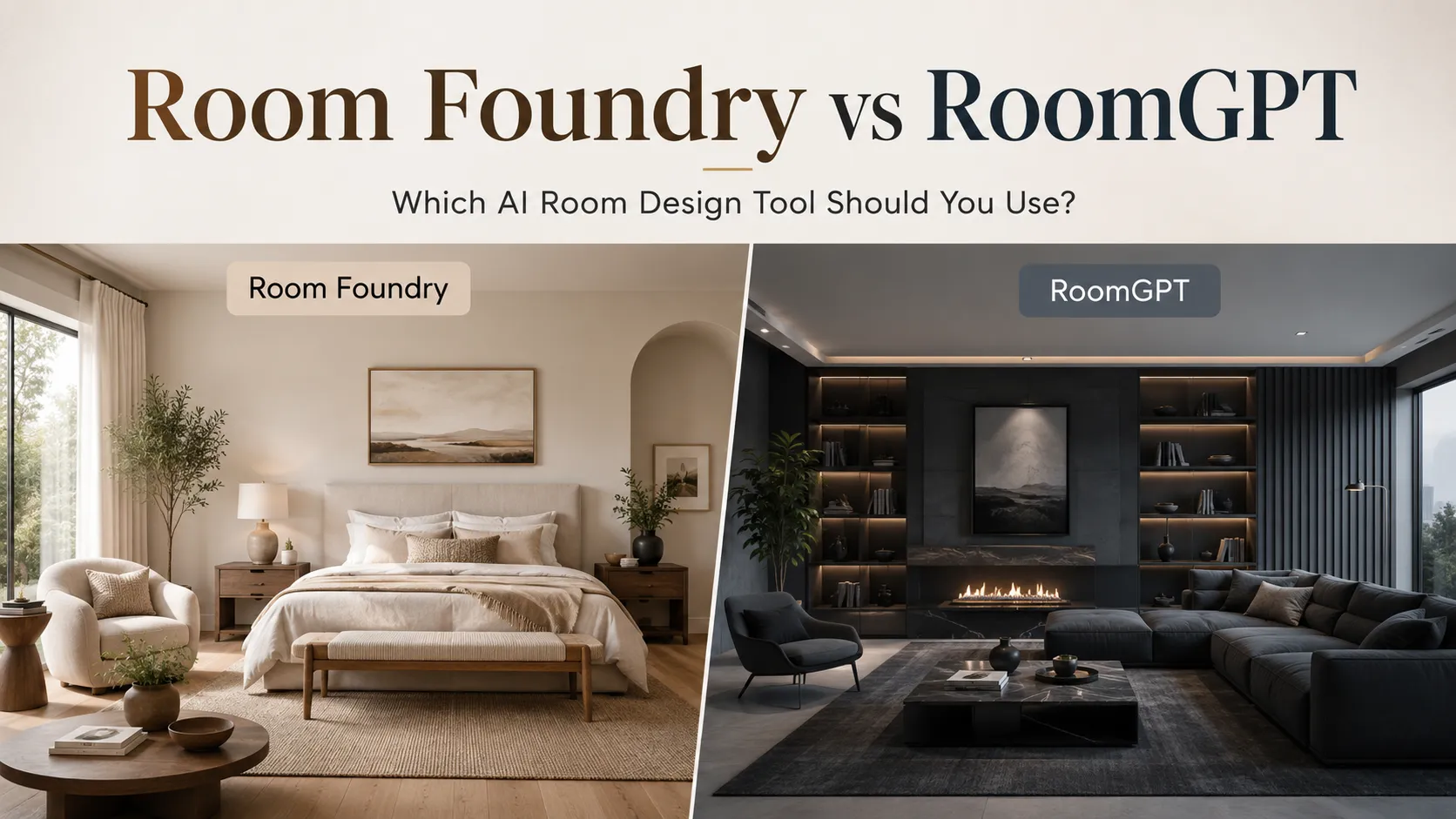
Room Foundry and RoomGPT both turn a room photo into a redesigned image. Their public product paths show different levels of workflow detail. RoomGPT presents a one-photo transformation and routes people to an account-gated design screen. Room Foundry lets you choose a room and style, mark items to keep, add notes, revise a saved design, and build a shopping plan. Test the current products before choosing; neither public site proves which output will suit your room. Verify measurements, materials, safety, and fit outside either preview.
Room Foundry vs RoomGPT at a Glance
| Decision factor | Room Foundry | RoomGPT |
|---|---|---|
| Starting input | Upload a room photo | Upload a room photo |
| Setup shown before generation | Room type, style, optional notes, and keep-item choices | One-photo transformation; further setup sits behind account access |
| Keep specific existing items | Documented in the current product flow | Not documented on the public pages reviewed |
| Revisions after a saved design | Documented in the current account and credit flow | Not documented on the public pages reviewed |
| Shopping guidance | Shopping plan follows a saved design | Not documented on the public pages reviewed |
| Public access terms | First preview free; no credit card required | Sale banner shown; current terms require an account or checkout review |
| Output-quality evidence | No controlled head-to-head test | No controlled head-to-head test |
Choose by the Workflow You Need
Choose RoomGPT if its direct one-photo entry matches your goal and you are willing to inspect the signed-in workflow before committing. Its public homepage centers the photo transformation and a gallery of RoomGPT-created rooms.
Choose Room Foundry if you want to name the room and style, mark furniture or finishes to keep, add instructions, revise a saved result, or use a shopping plan. Those are documented workflow differences. This review did not test output quality.
What RoomGPT Shows on Its Public Site
The current RoomGPT homepage calls the product a personal AI interior designer and invites you to transform a room with one photo. Its redesign link opens an account-gated route, while a separate public dashboard page describes stored room generations.
The pages reviewed on August 29, 2026 did not explain keep-item controls, revisions, shopping guidance, room and style options, or durable access terms. Public silence does not establish that a signed-in product lacks a feature. Check the current workflow before you pay or upload a room.
What Room Foundry Shows in Its Current Workflow
The Room Foundry AI room design page explains the photo, style, and preview path. The upload flow asks for a room type and design style, accepts optional notes, and supports selections for furniture or finishes you want the design to keep.
Room Foundry gives you one first preview without a credit card. Account and credit steps apply when you save the room, make revisions, create more designs, or use the shopping plan. Product access can change, so check the terms shown in the current flow.
Keeping Furniture and Fixed Features
Room Foundry lets you select items such as a bed, sofa, rug, fireplace, flooring, wall color, windows, artwork, or other furniture before generation. The available list changes with the room type. Add a short note when the fixed detail needs more context.
A keep selection remains an instruction, not a guarantee. Compare the generated image with the source. Reject or revise a result that moves a window, changes a retained item, distorts scale, or replaces a fixed finish.
Use the audit steps and reusable prompt in the guide to redesign a room while keeping existing furniture.
Revisions and Shopping Guidance
Room Foundry supports revisions for a saved design. You can ask for a warmer palette, a changed rug direction, or another focused adjustment while keeping prior project context. Each revision uses the access and credit terms shown in the product.
A shopping plan can turn parts of a saved design into search directions. It cannot identify a generated object as an exact product or confirm dimensions, color, stock, price, returns, or fit. Verify each item with the seller and your own measurements.
A Fair Five-Step Test for Either Tool
- Use the same clear source photo and record the features you need before uploading.
- Give each product the closest available room, style, and keep-item instructions.
- Compare the source and result for doors, windows, fixed finishes, retained furniture, and camera position.
- Review the current access, storage, privacy, revision, and export terms shown to your account.
- Measure and sample in the real room before you buy, paint, mount, wire, or build.
This method compares the parts you can observe. It avoids declaring a winner from marketing images, different source rooms, or an account flow you did not test.
Read how accurate AI interior design is for a source-to-preview verification framework and a documented Room Foundry test.
Treat Both Products as Visual Planning Tools
A room image can help you compare style, color balance, furniture direction, and the order of changes. It cannot confirm construction, code, safety, true paint color, product identity, stock, material performance, clearance, or installation.
Keep the source photo beside every result. Measure the room and each retained item. Check physical samples under the room's daytime and evening light. Use qualified help for structural, electrical, plumbing, code, or safety decisions.
For the full photo-to-plan process, read AI interior design from a photo.
FAQ
Is Room Foundry like RoomGPT?
Both products use a room photo to create a redesigned image. RoomGPT's public site presents a one-photo transformation. Room Foundry's current workflow also includes room and style choices, keep-item selections, notes, revisions for saved designs, and a shopping plan after the first preview.
Is Room Foundry a RoomGPT alternative?
Yes. Room Foundry is an alternative for photo-based room redesign. Choose from current, verified workflow needs instead of an unsupported output ranking. Room Foundry documents keep-item choices, notes, revisions, and shopping guidance in its current product path.
Can I keep furniture in a Room Foundry design?
You can mark items such as a bed, sofa, rug, fireplace, flooring, wall color, windows, or other furniture to keep. Treat that selection as an instruction to audit against the result. A generated image can still alter details, scale, or placement.
Does RoomGPT support keep-items, revisions, or shopping guidance?
RoomGPT's public homepage and account-gated design entry did not document those features when reviewed on August 29, 2026. That does not prove the signed-in product lacks them. Check the current RoomGPT workflow and terms before deciding.
Is Room Foundry free to try?
Room Foundry offers one free first preview without a credit card. Saving the project, creating revisions, exploring more designs, and using the shopping plan follow the current account and credit flow. Recheck access terms before use because products can change.
Can either tool verify that a design will work in my room?
No image preview can confirm measurements, clearance, construction, code, safety, paint color, product identity, stock, material performance, or installation. Use either product for visual planning, then verify the room and current product details before buying or building.
Trademark Disclaimer
RoomGPT is a trademark of its respective owner. Room Foundry is not affiliated with, endorsed by, or sponsored by RoomGPT.
FAQ
Common questions
- Is Room Foundry like RoomGPT?
- Both products use a room photo to create a redesigned image. RoomGPT's public site presents a one-photo transformation. Room Foundry's current workflow also includes room and style choices, keep-item selections, notes, revisions for saved designs, and a shopping plan after the first preview.
- Is Room Foundry a RoomGPT alternative?
- Yes. Room Foundry is an alternative for photo-based room redesign. Choose from current, verified workflow needs instead of an unsupported output ranking. Room Foundry documents keep-item choices, notes, revisions, and shopping guidance in its current product path.
- Can I keep furniture in a Room Foundry design?
- You can mark items such as a bed, sofa, rug, fireplace, flooring, wall color, windows, or other furniture to keep. Treat that selection as an instruction to audit against the result. A generated image can still alter details, scale, or placement.
- Does RoomGPT support keep-items, revisions, or shopping guidance?
- RoomGPT's public homepage and account-gated design entry did not document those features when reviewed on August 29, 2026. That does not prove the signed-in product lacks them. Check the current RoomGPT workflow and terms before deciding.
- Is Room Foundry free to try?
- Room Foundry offers one free first preview without a credit card. Saving the project, creating revisions, exploring more designs, and using the shopping plan follow the current account and credit flow. Recheck access terms before use because products can change.
- Can either tool verify that a design will work in my room?
- No image preview can confirm measurements, clearance, construction, code, safety, paint color, product identity, stock, material performance, or installation. Use either product for visual planning, then verify the room and current product details before buying or building.
Keep exploring
Related reading
AI Room Design
Room Foundry vs. REimagineHome: Which AI Room Design Tool Fits Your Project?
AI Room Design
AI Interior Design From a Photo: How It Works and What to Expect
AI Room Design
Can AI Redesign a Room While Keeping Your Existing Furniture?
Interior Design Styles
Japandi Style: How to Create a Calm, Minimal, and Warm Home
Try Room Foundry
Compare a design direction in your own room.
Upload your room, mark the pieces you want to keep, and use the result as a visual plan. Your first preview is free, with no credit card required.
Try your room free