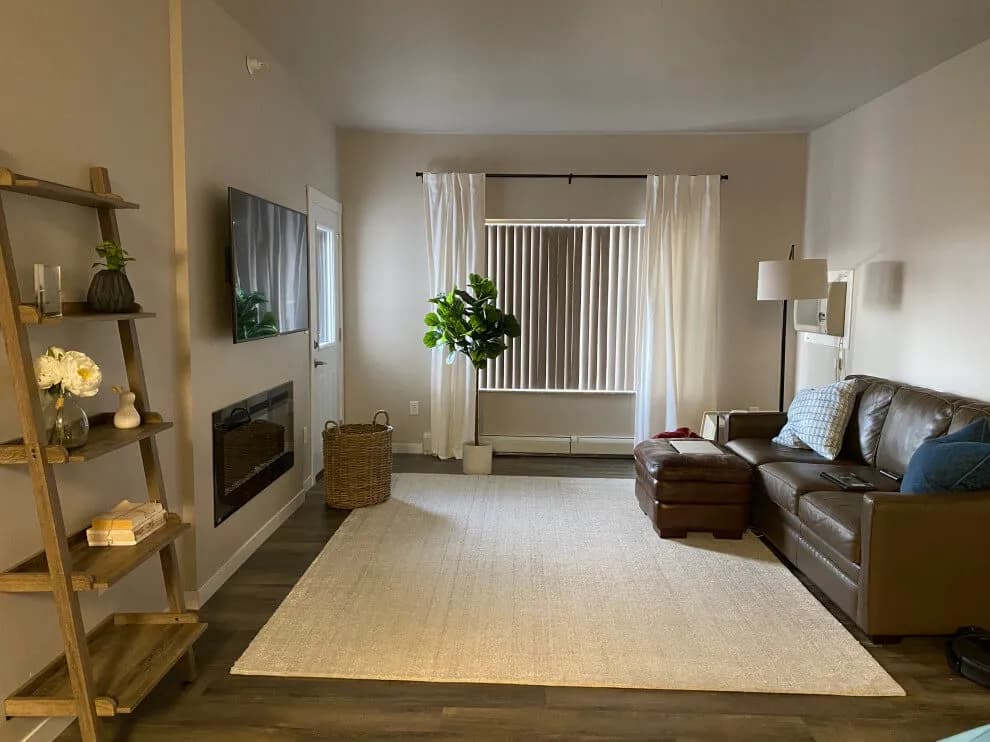
 Source
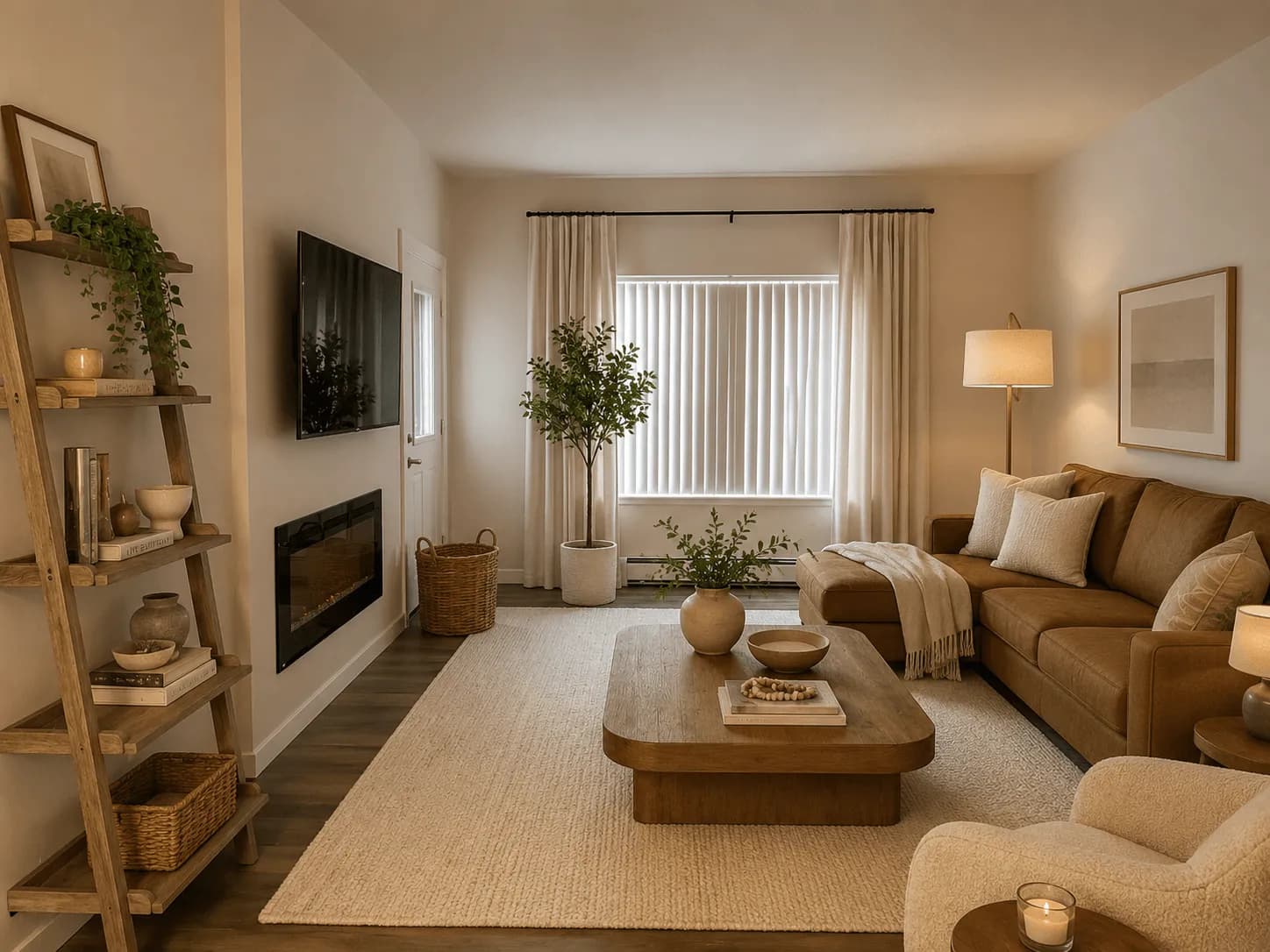 Concept
Living room · Editorial illustration
Warm Modern
Warm neutrals, natural wood, and cleaner lines give this living room a softer finish.
Try yoursUpload one photo, choose a style, and mark the features you want to keep. Room Foundry creates a visual planning concept for the same recognizable room.
Source photo and verified Room Foundry preview. This is a visual planning concept, not a completed installation.
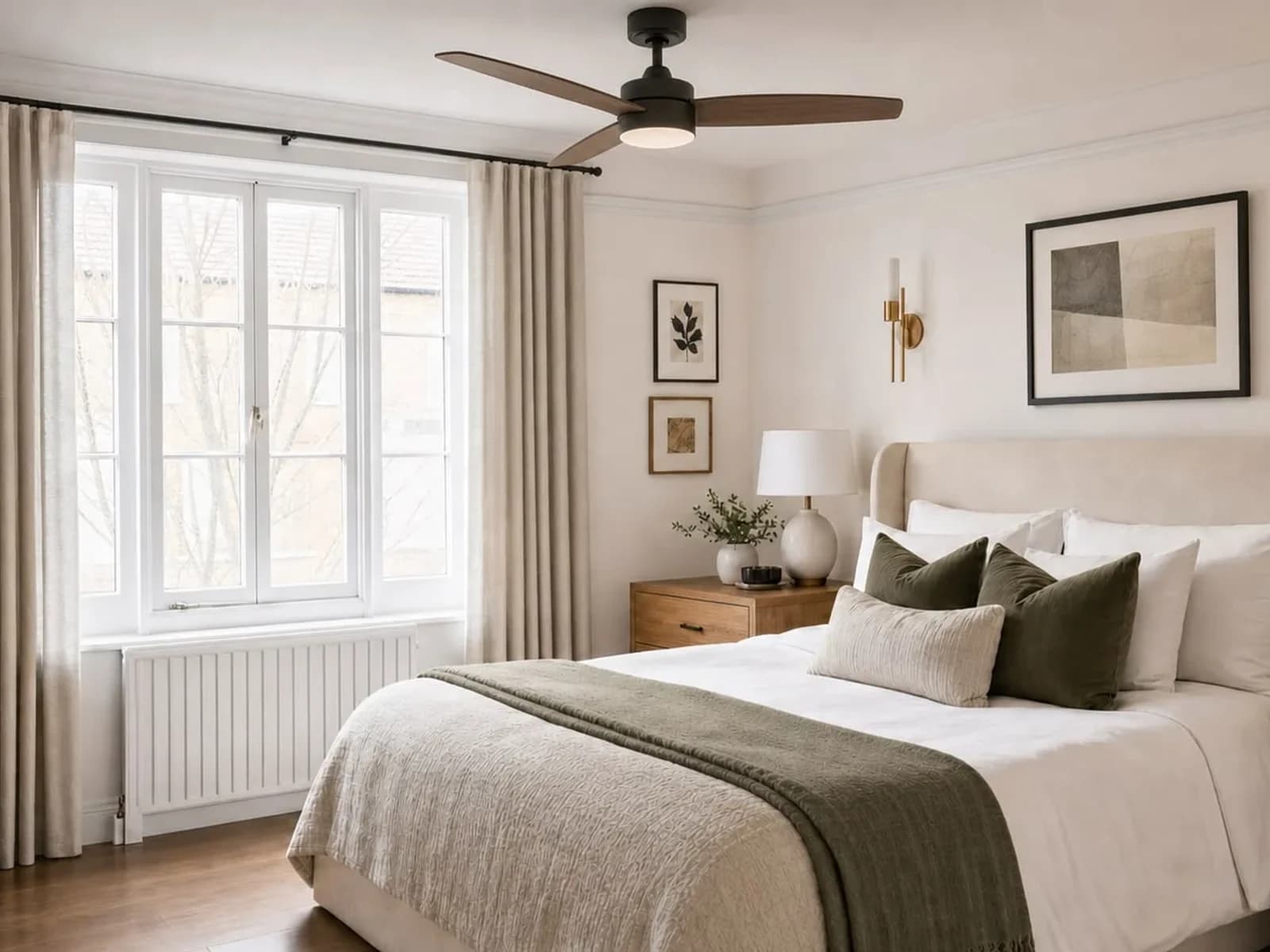
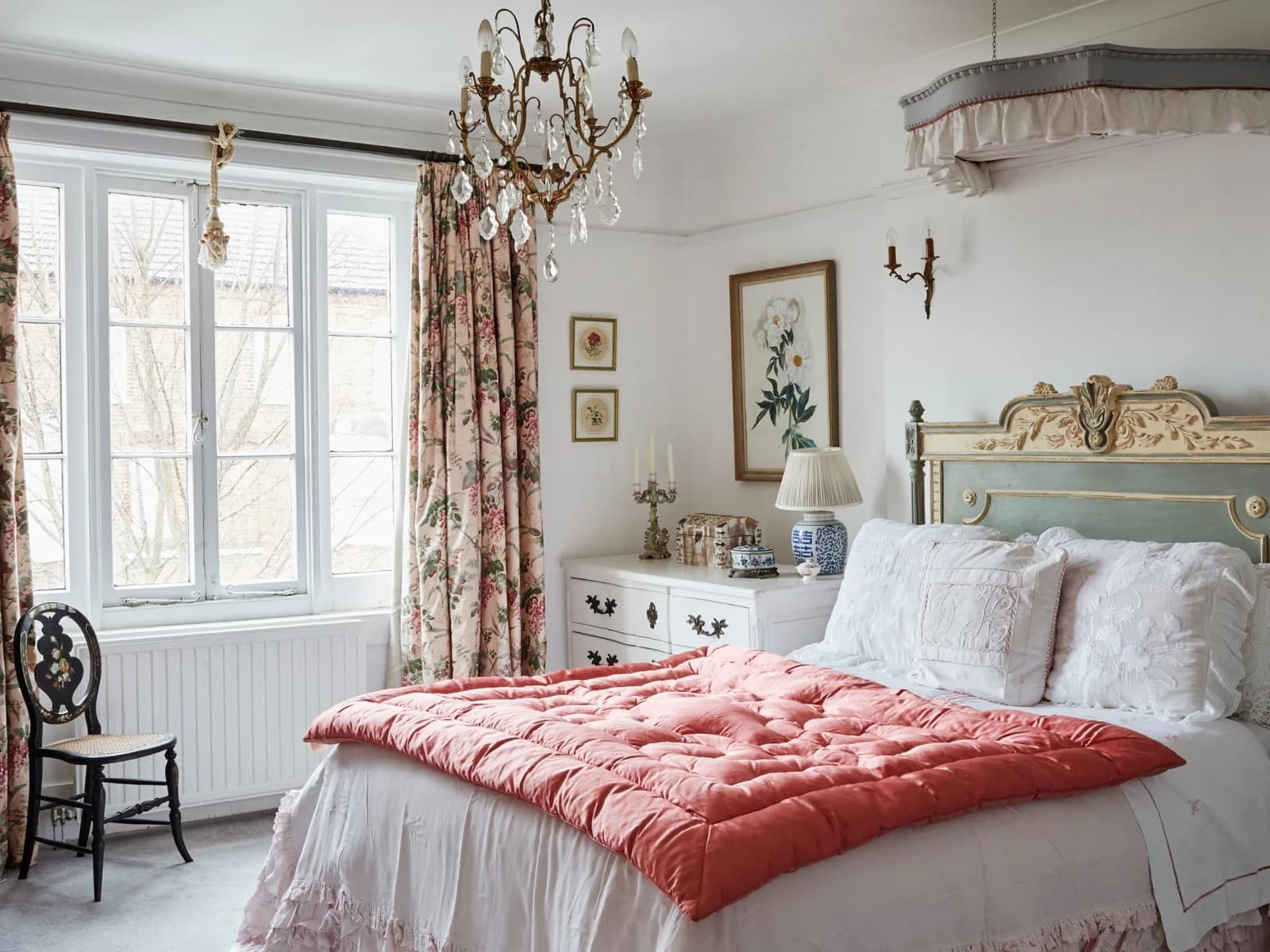
Compare three bedrooms and three living rooms in different styles. These editorial illustrations show visual directions, not verified Room Foundry outputs, completed installations, or proof of fit. The hero above shows a verified Room Foundry preview beside its source photo.
SourceConceptWarm neutrals, natural wood, and cleaner lines give this living room a softer finish.
Try yours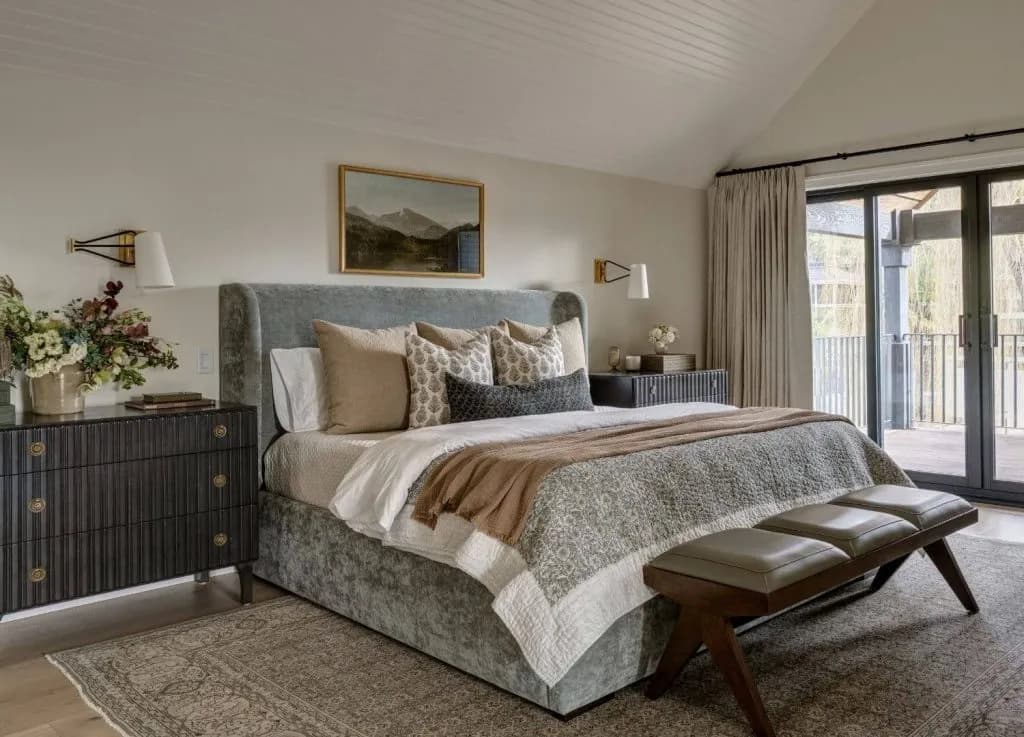 Source
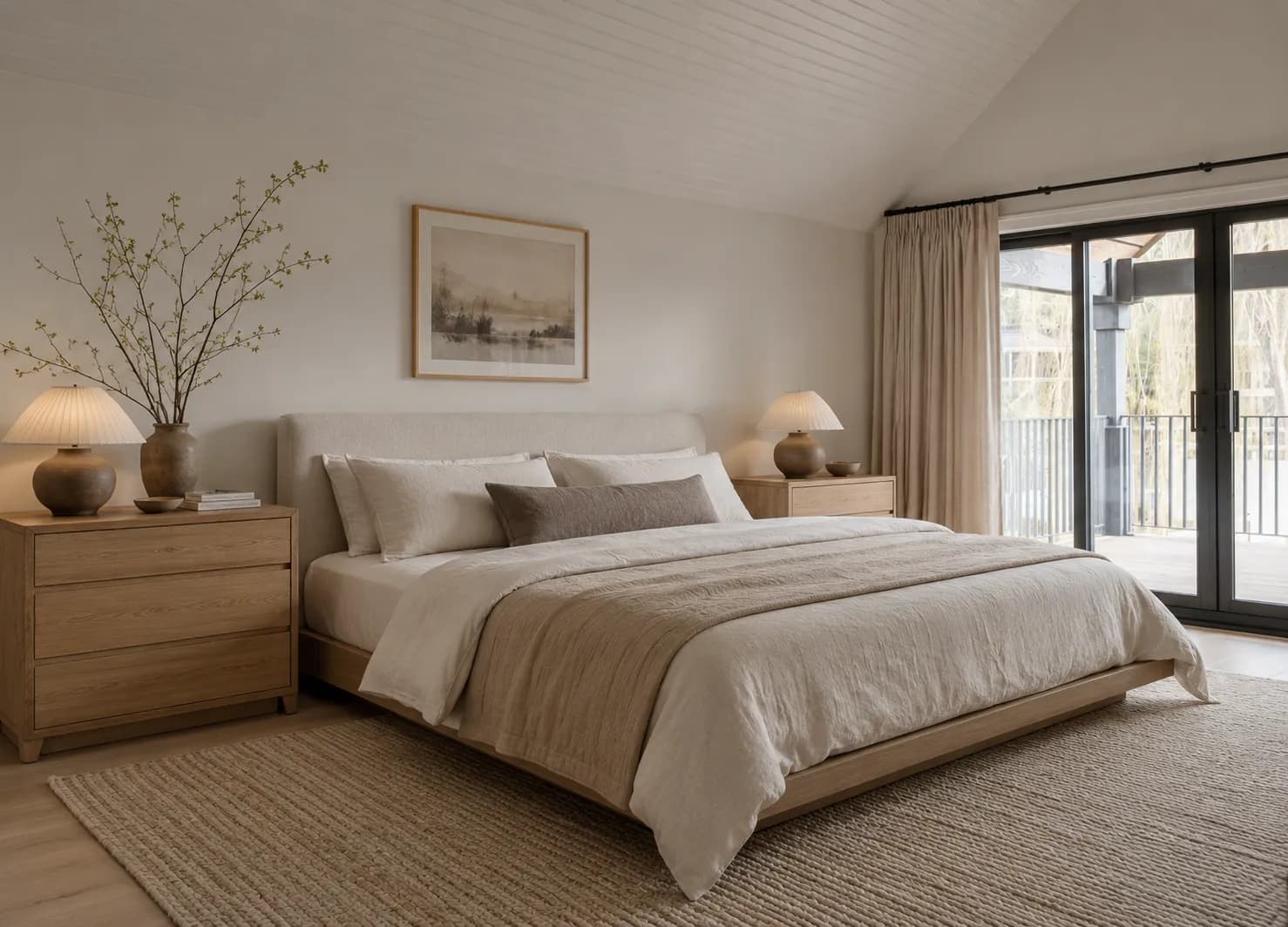 Concept
Calm restraint, low profiles, and natural texture turn this bedroom into a quieter retreat.
Try yours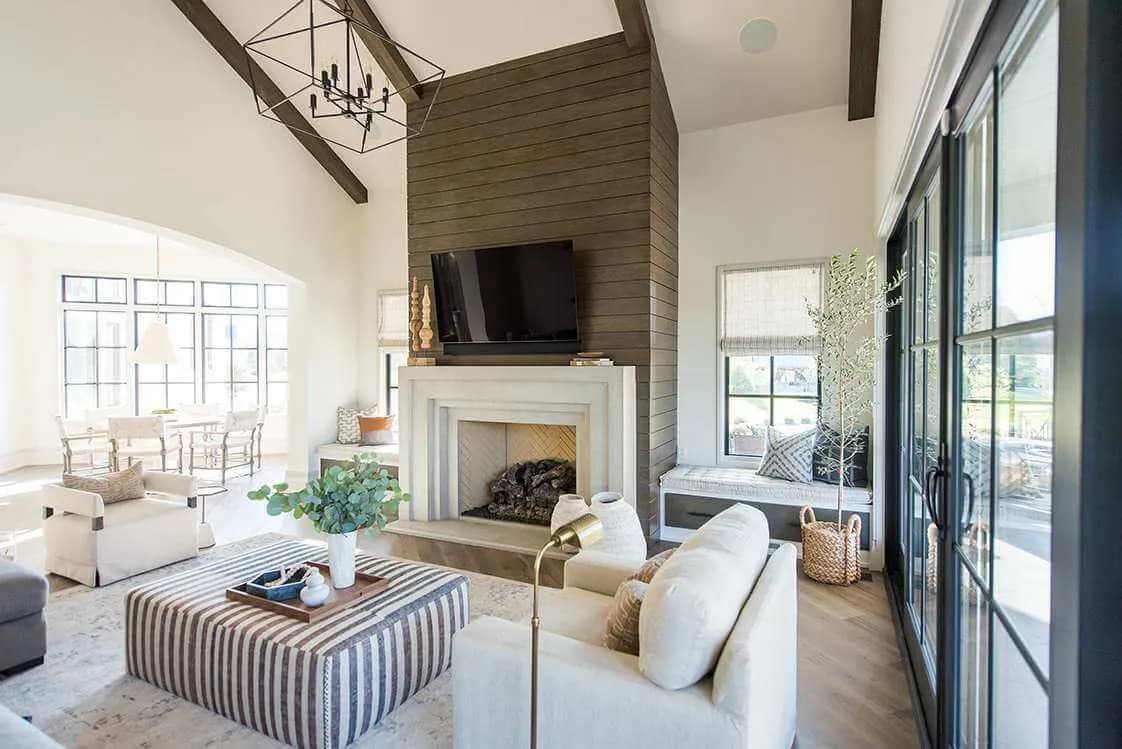 Source
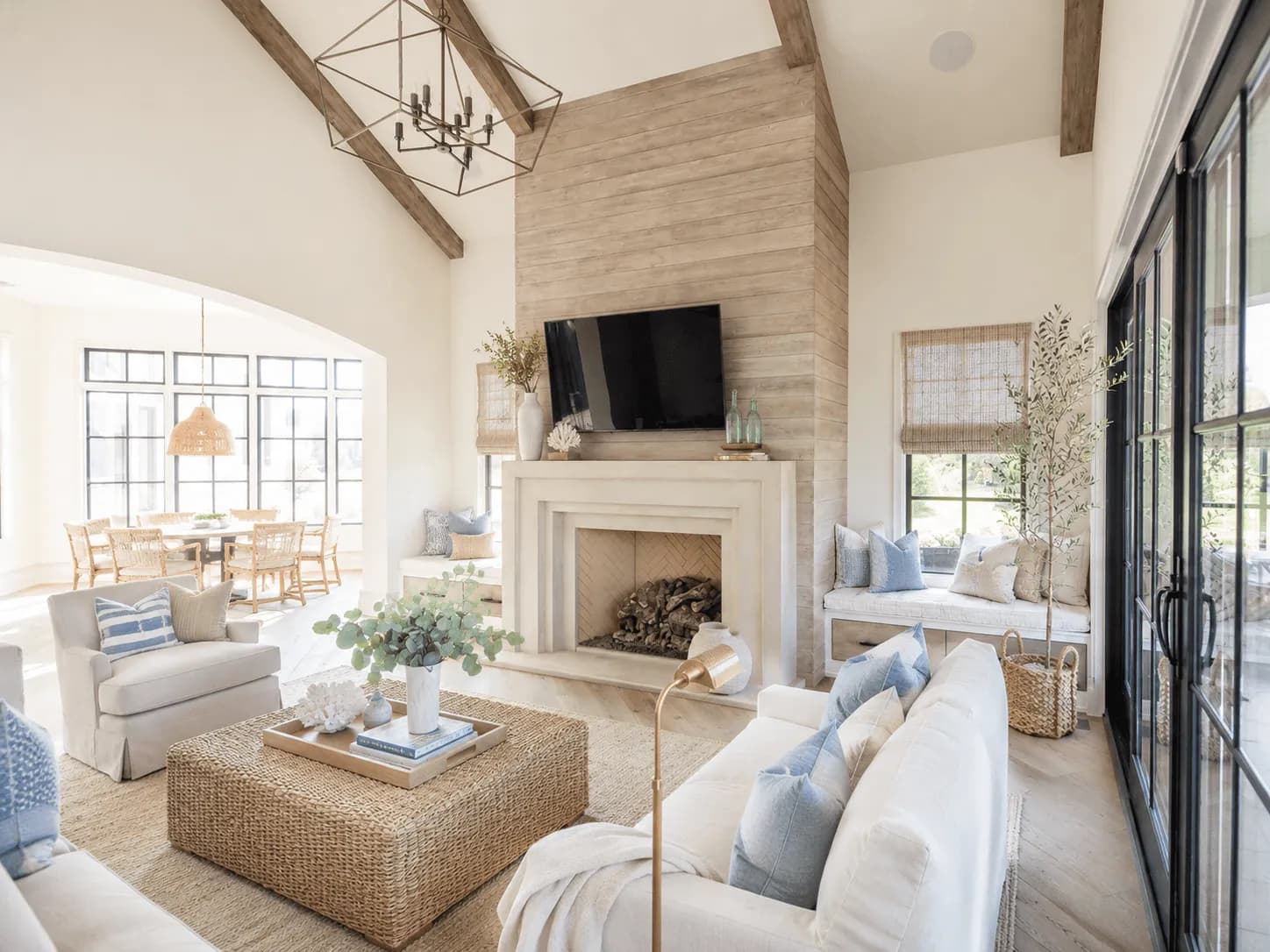 Concept
Airy layers, pale wood, and relaxed blue accents brighten the same recognizable space.
Try yours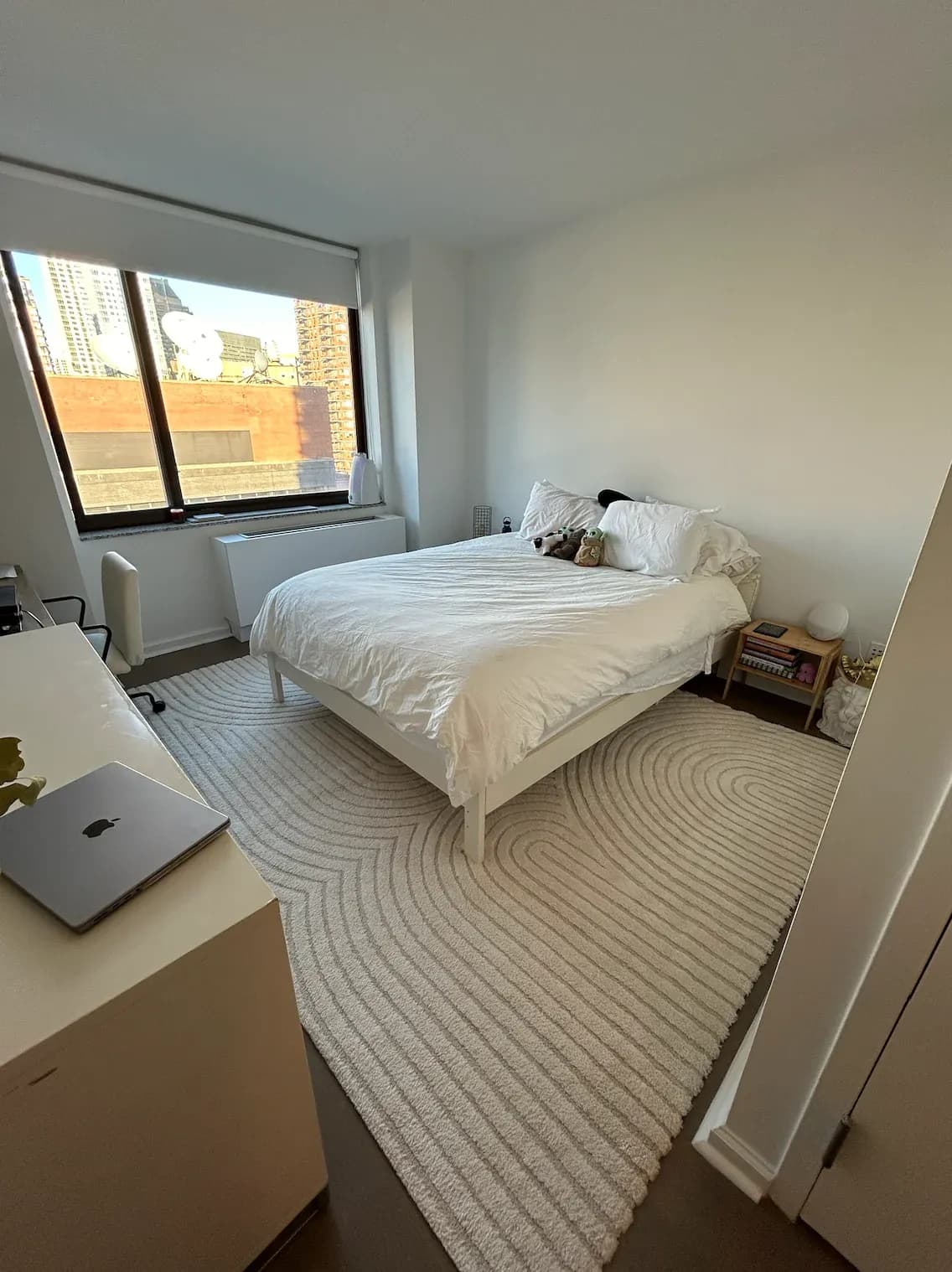 Source
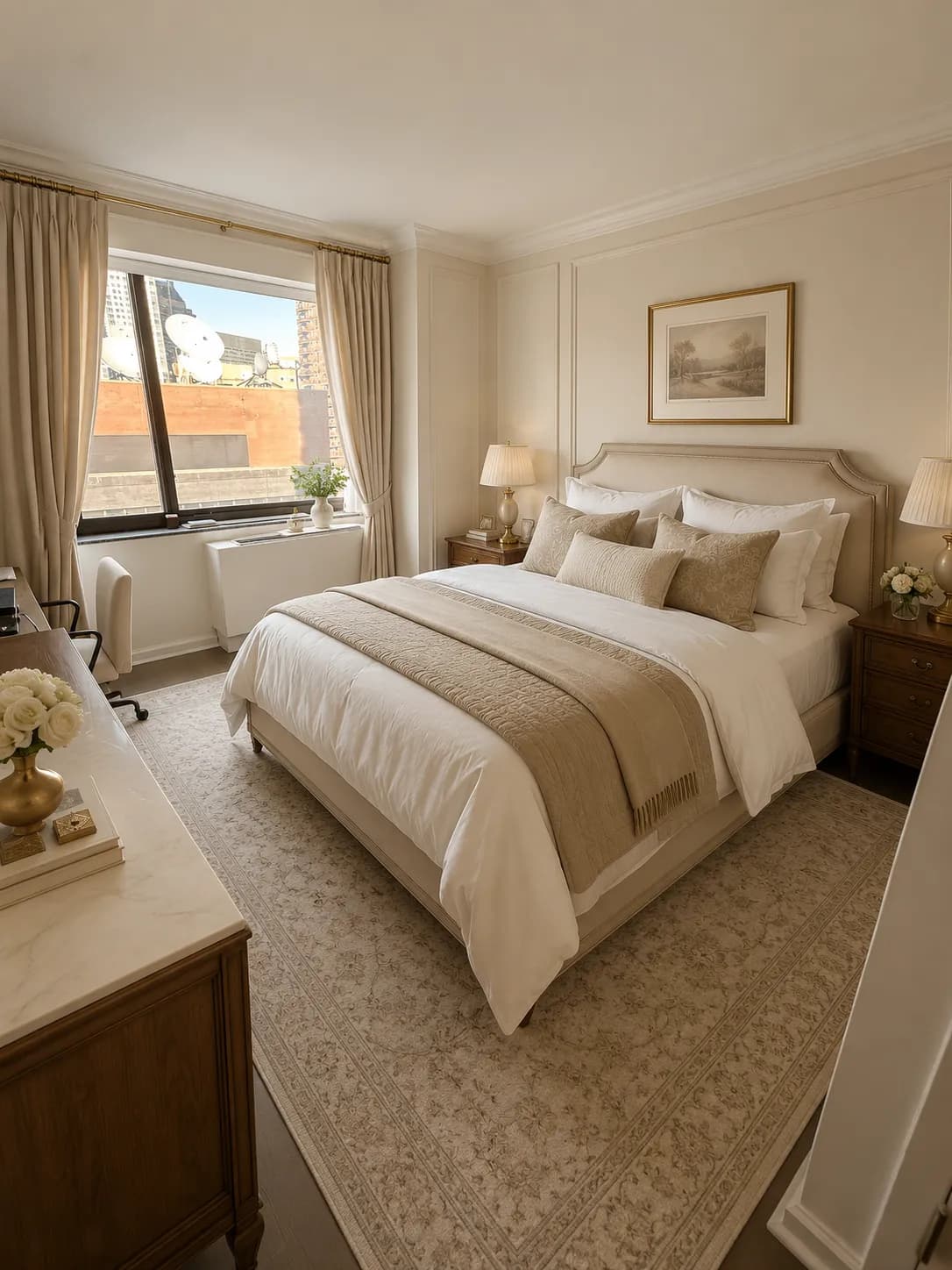 Concept
Tailored bedding and timeless details make this bedroom feel polished and complete.
Try yours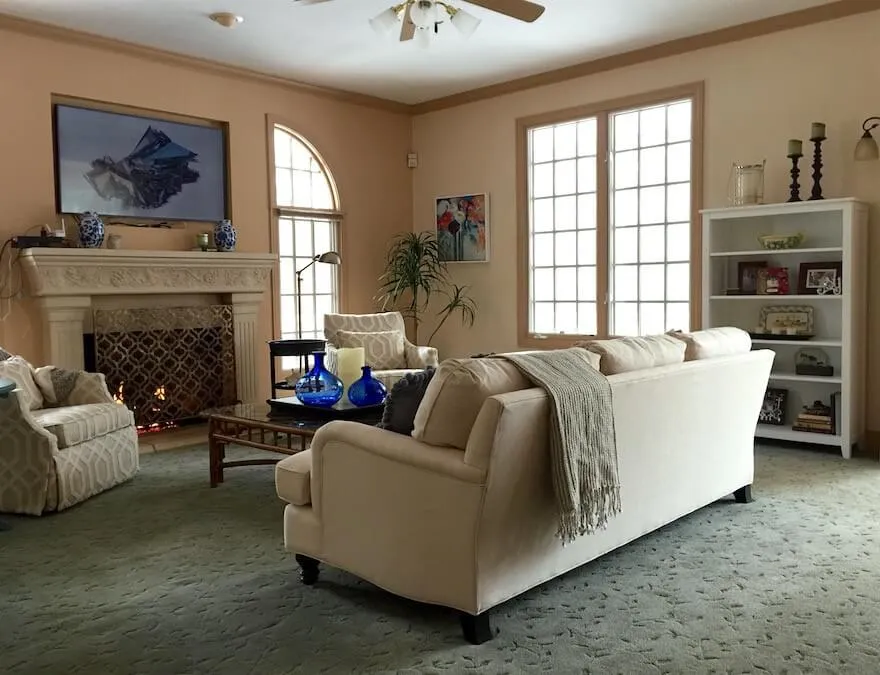 Source
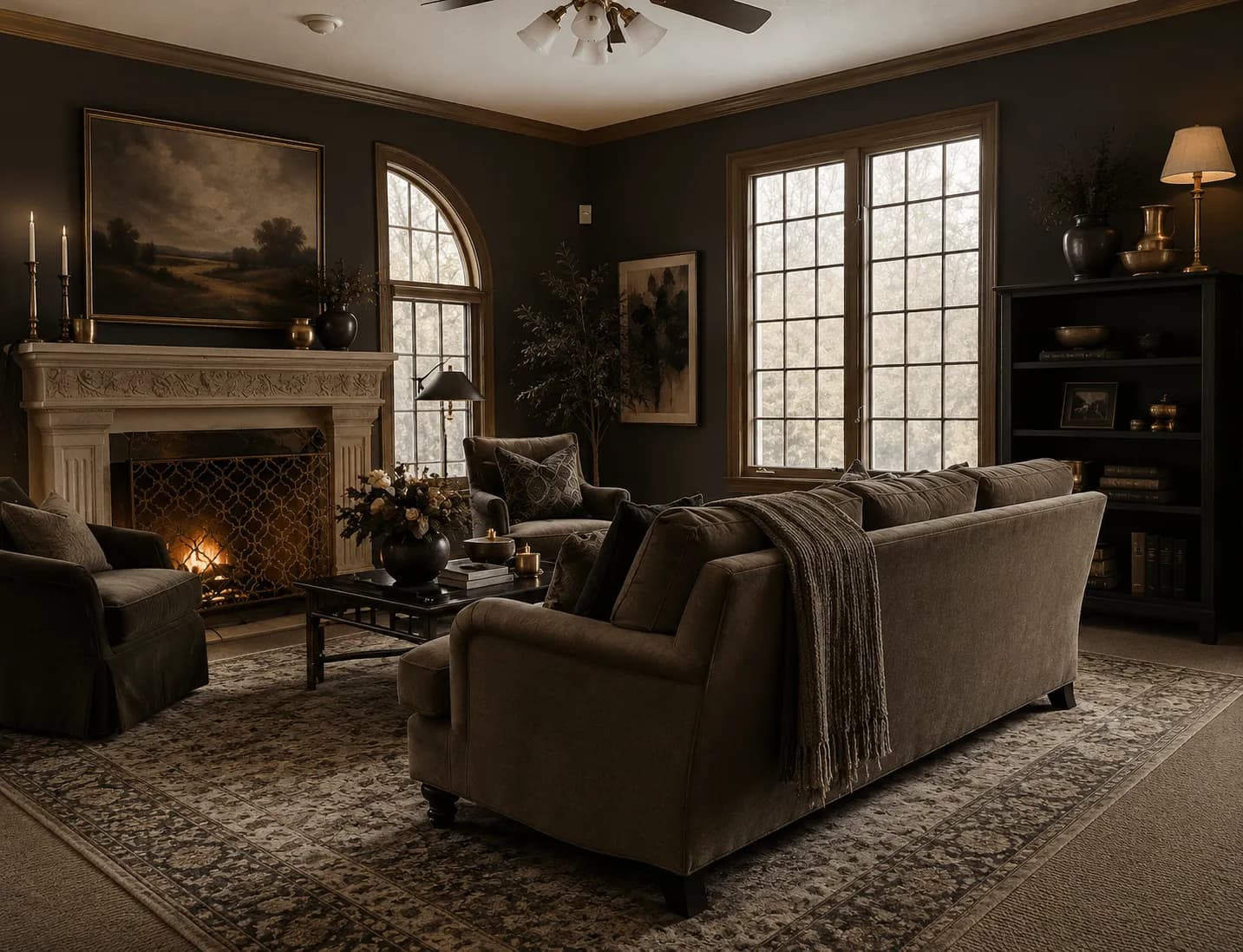 Concept
Deep color, warm lighting, and layered texture create a richer living-room atmosphere.
Try yours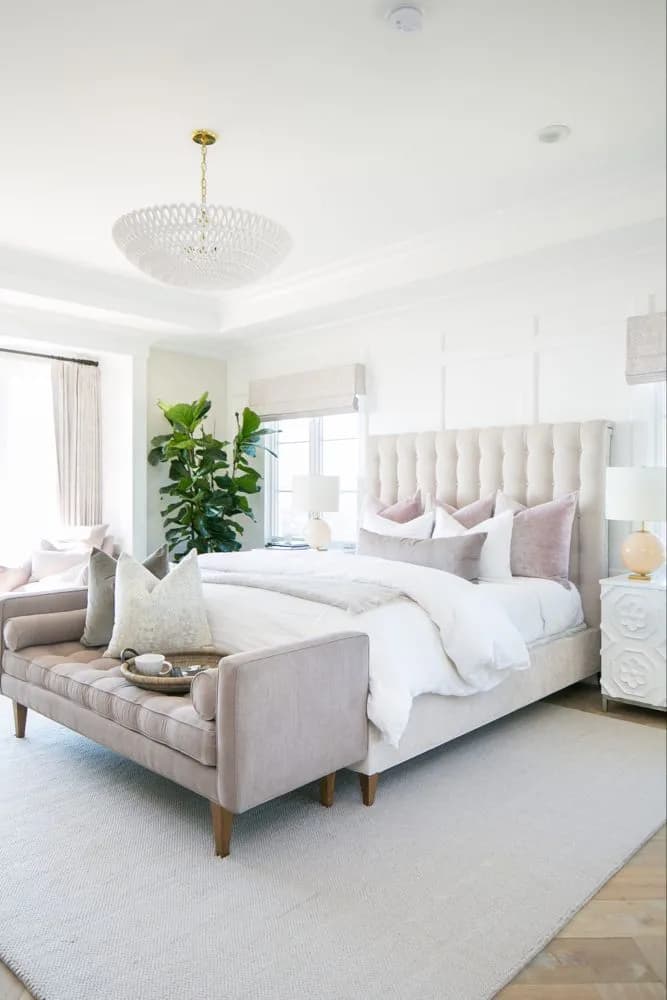 Source
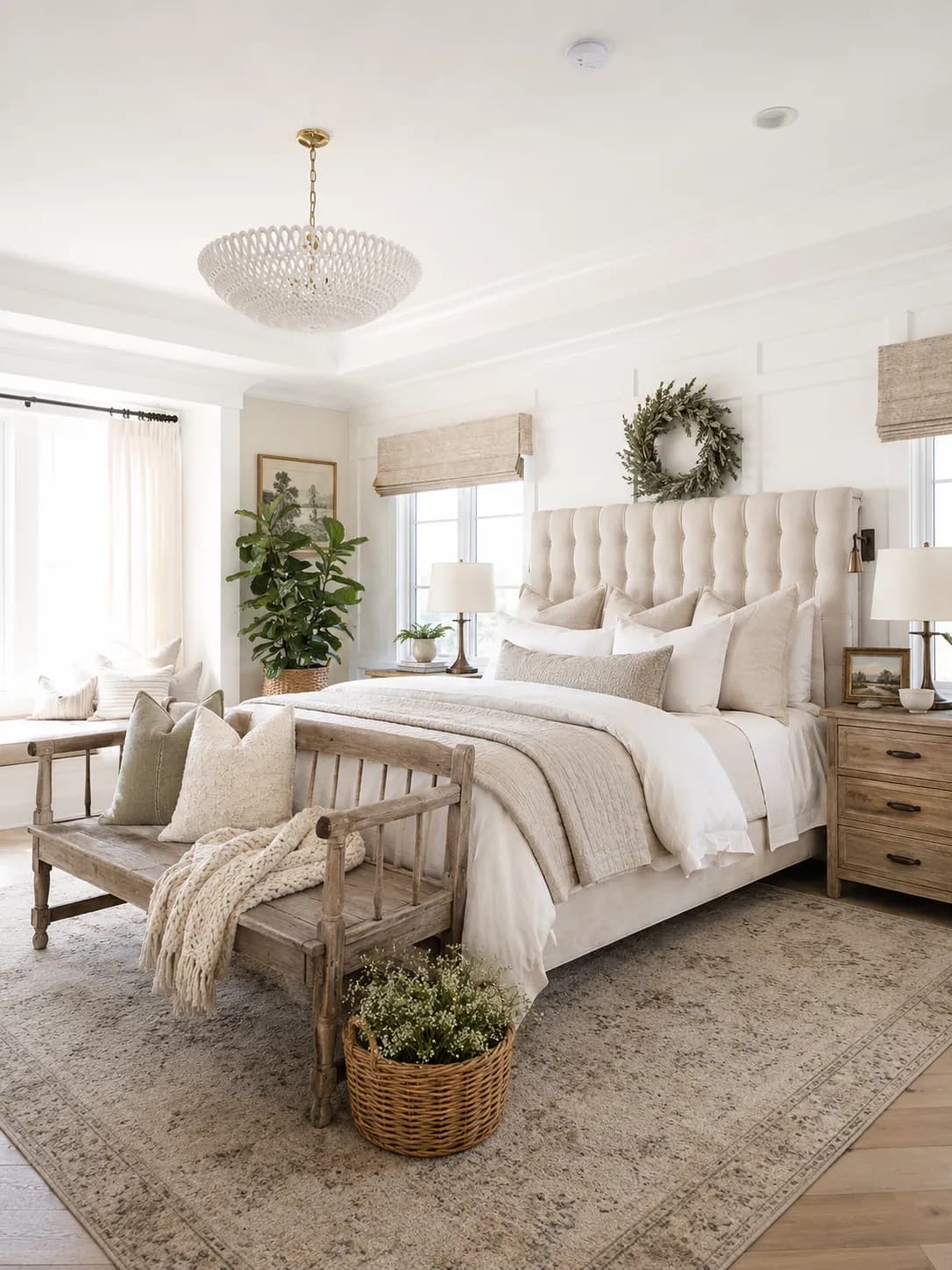 Concept
Soft layers, rustic wood, and comfortable details make this bedroom feel settled and inviting.
Try yoursChoose a clear view that includes the furniture and features you want to keep.
Select the room type and one style. Mark what should stay and add optional notes.
Generate a visual direction, then create a free account to reveal and save it. No credit card required.
Room Foundry uses your uploaded photo, chosen style, and keep-item selections to create a visual planning concept. Compare it with the source, then verify measurements, products, materials, safety, and fit in the real room.
Start with one room photo
Choose a style and the items to keep
Compare the preview with your source room
Verify measurements and products before acting
Learn the photo workflow, decide what must stay, or compare Room Foundry with another tool before uploading your room.
AI Room Design
Follow the upload, style, keep-item, comparison, and refinement steps with actual interface screenshots and a verified Room Foundry example.
Read the guide
AI Room Design
A four-part visual method for naming the strongest style cues in a real room without forcing every object into one label.
Read the guide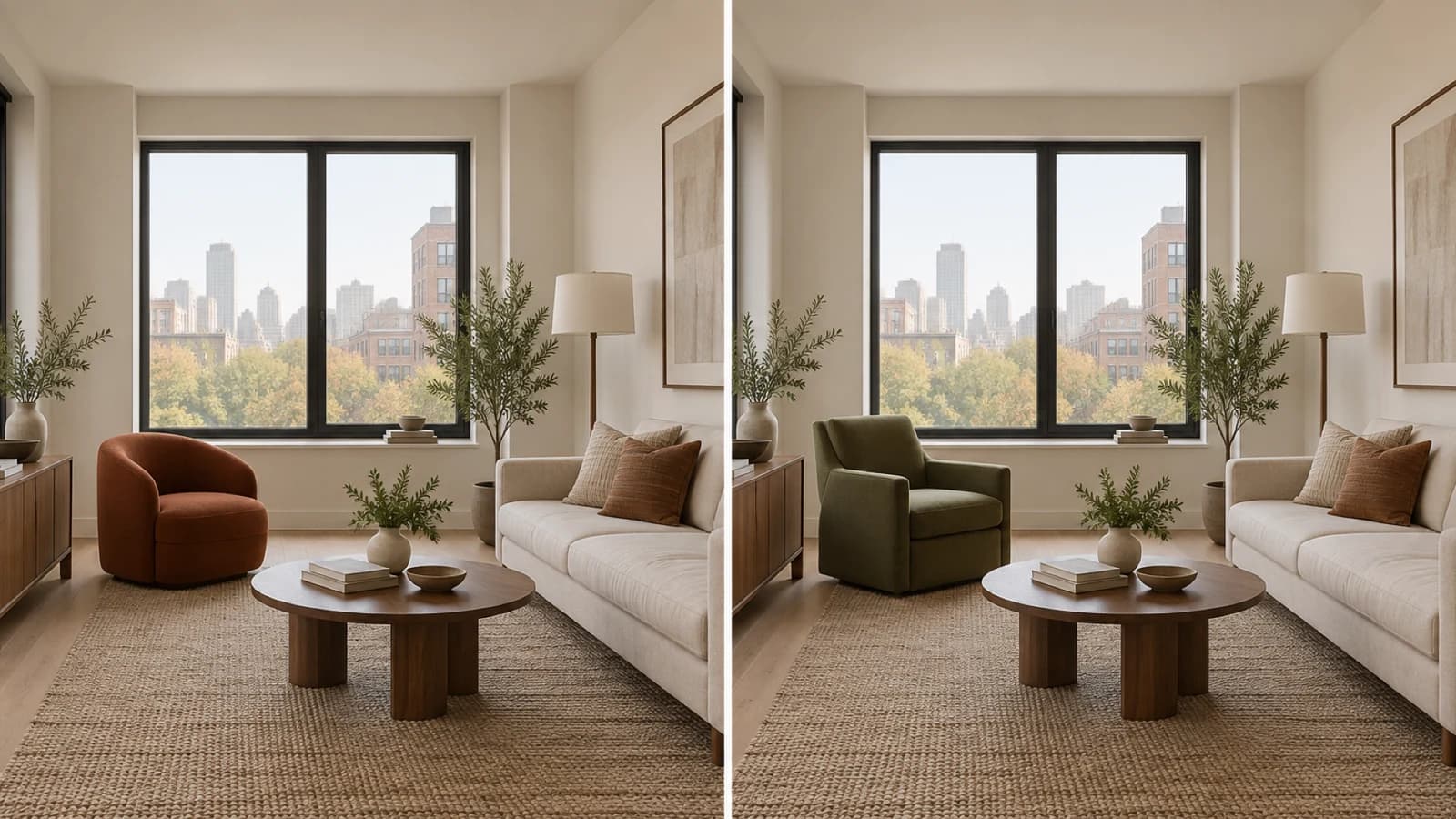
AI Room Design
A practical guide to using furniture previews for visual direction, then checking products, measurements, delivery, and safety before buying.
Read the guide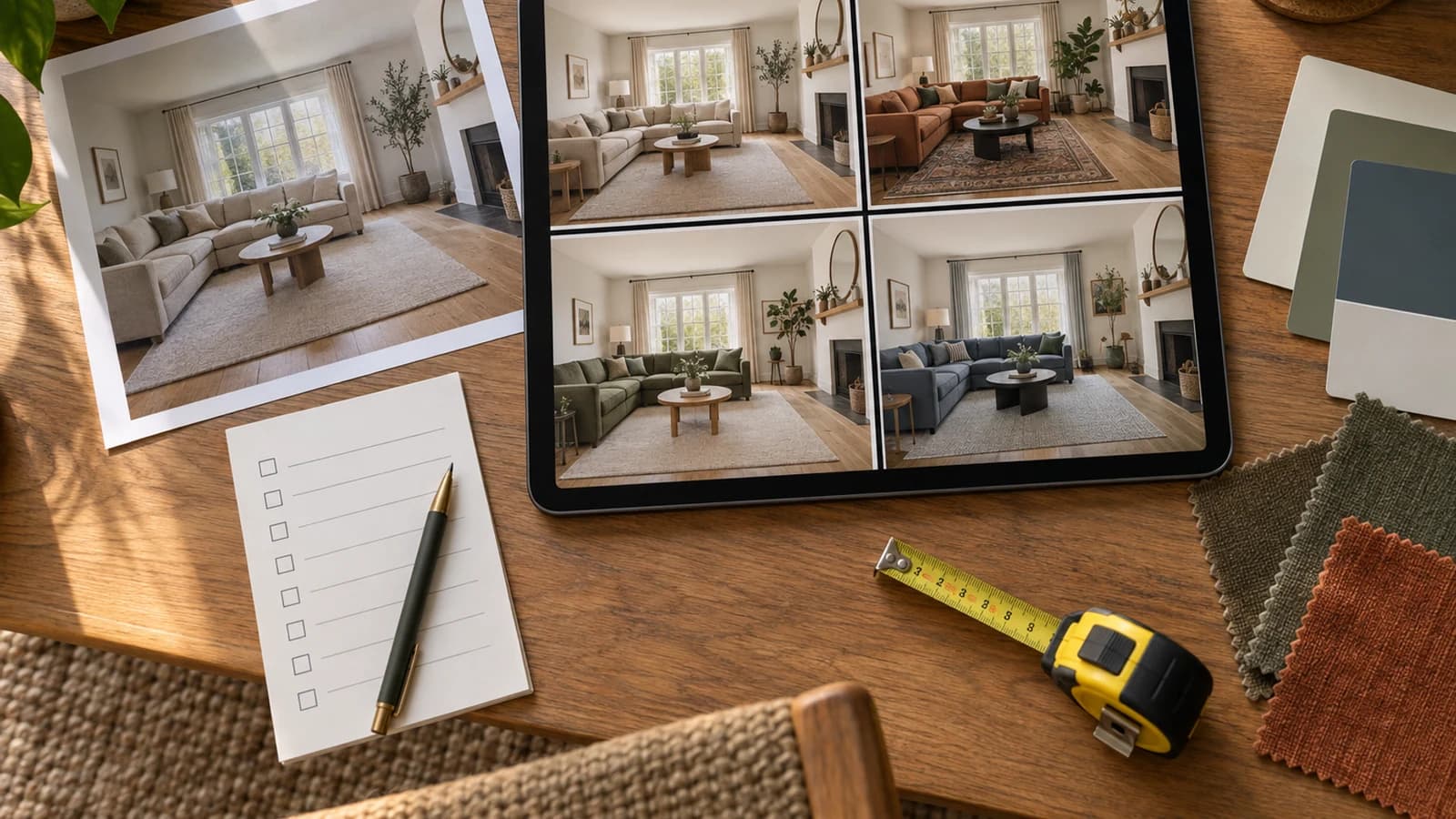
AI Room Design
A same-photo evaluation method for choosing a room design app by workflow, evidence, privacy, and the real decision you need to make.
Read the guide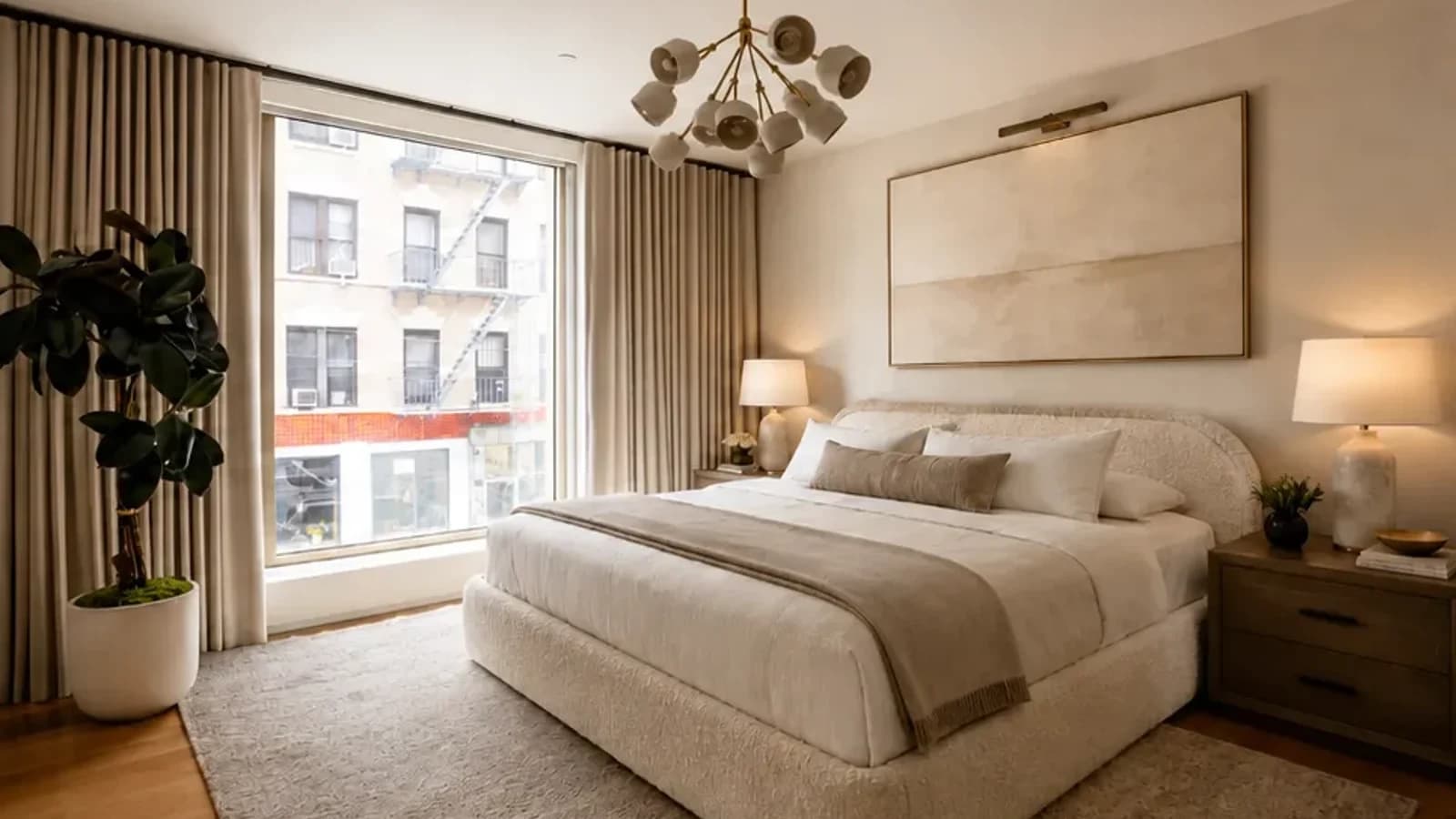
AI Room Design
A practical guide to redesigning your actual room around the furniture, finishes, and architectural details you already want to keep.
Read the guide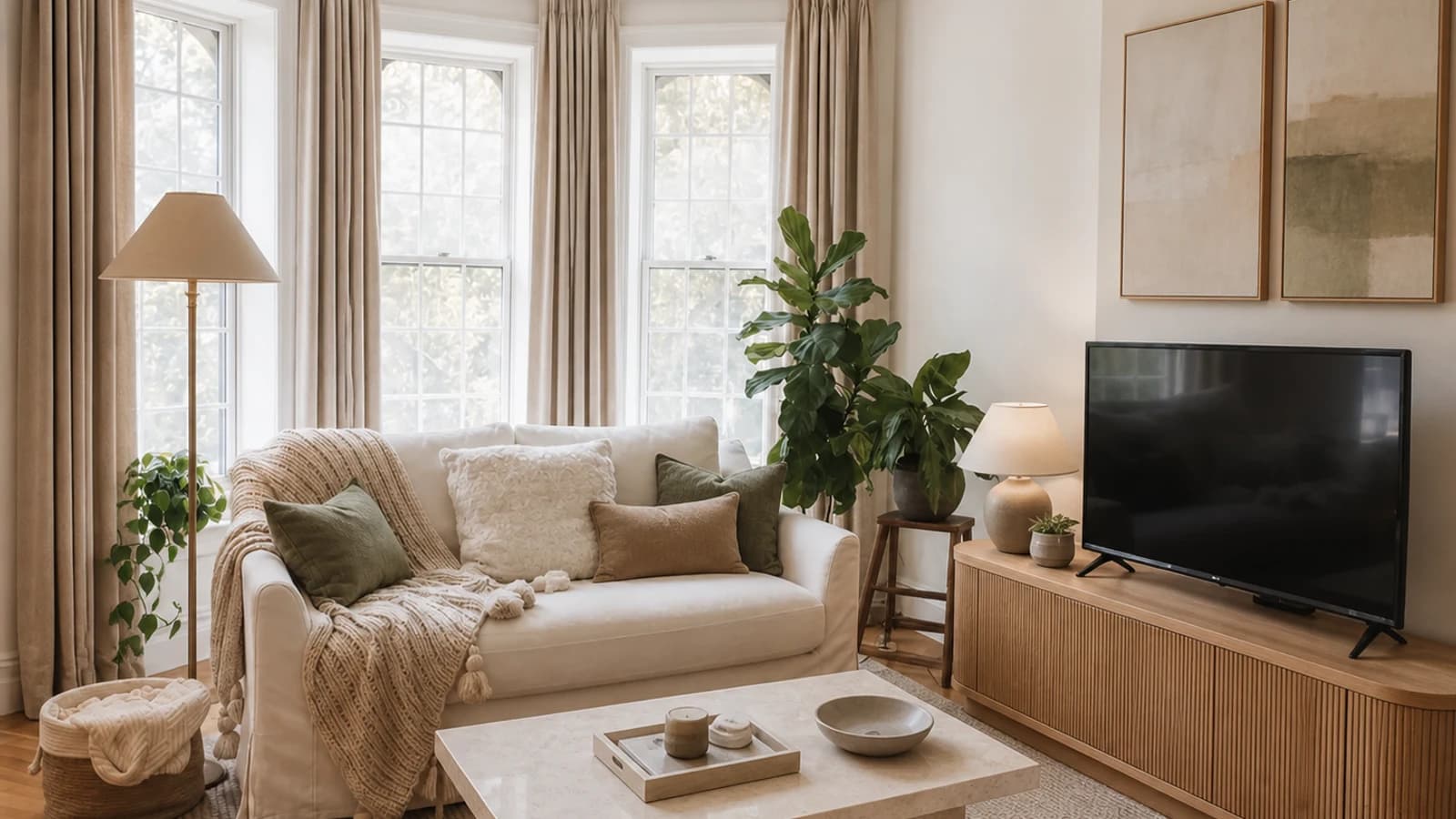
AI Room Design
A constraint-first prompt library for turning a real room photo into more useful design concepts and cleaner revisions.
Read the guide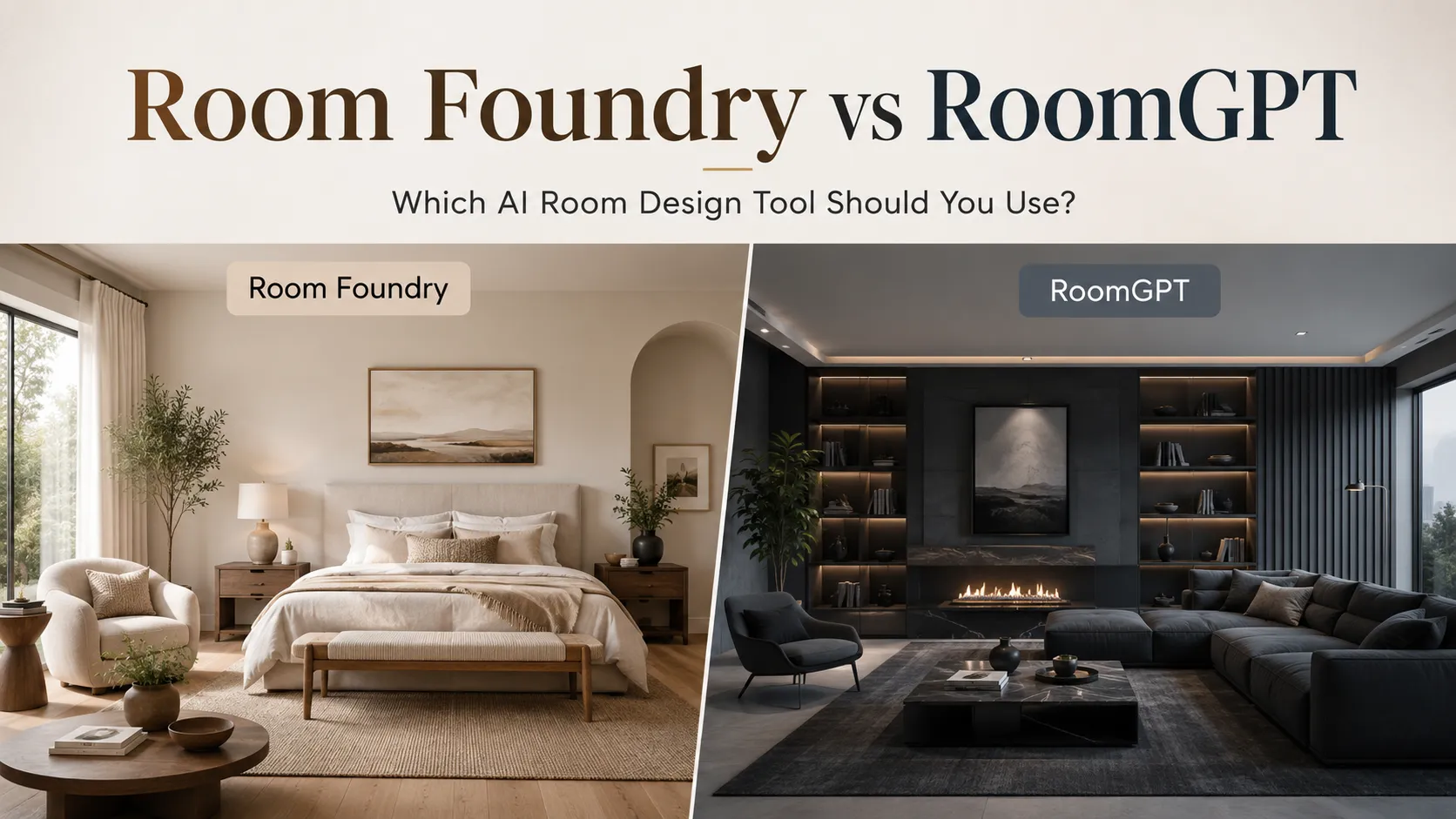
AI Room Design
A dated comparison of the public Room Foundry and RoomGPT workflows that stops where the review did not enter an account or run an output test.
Read the guide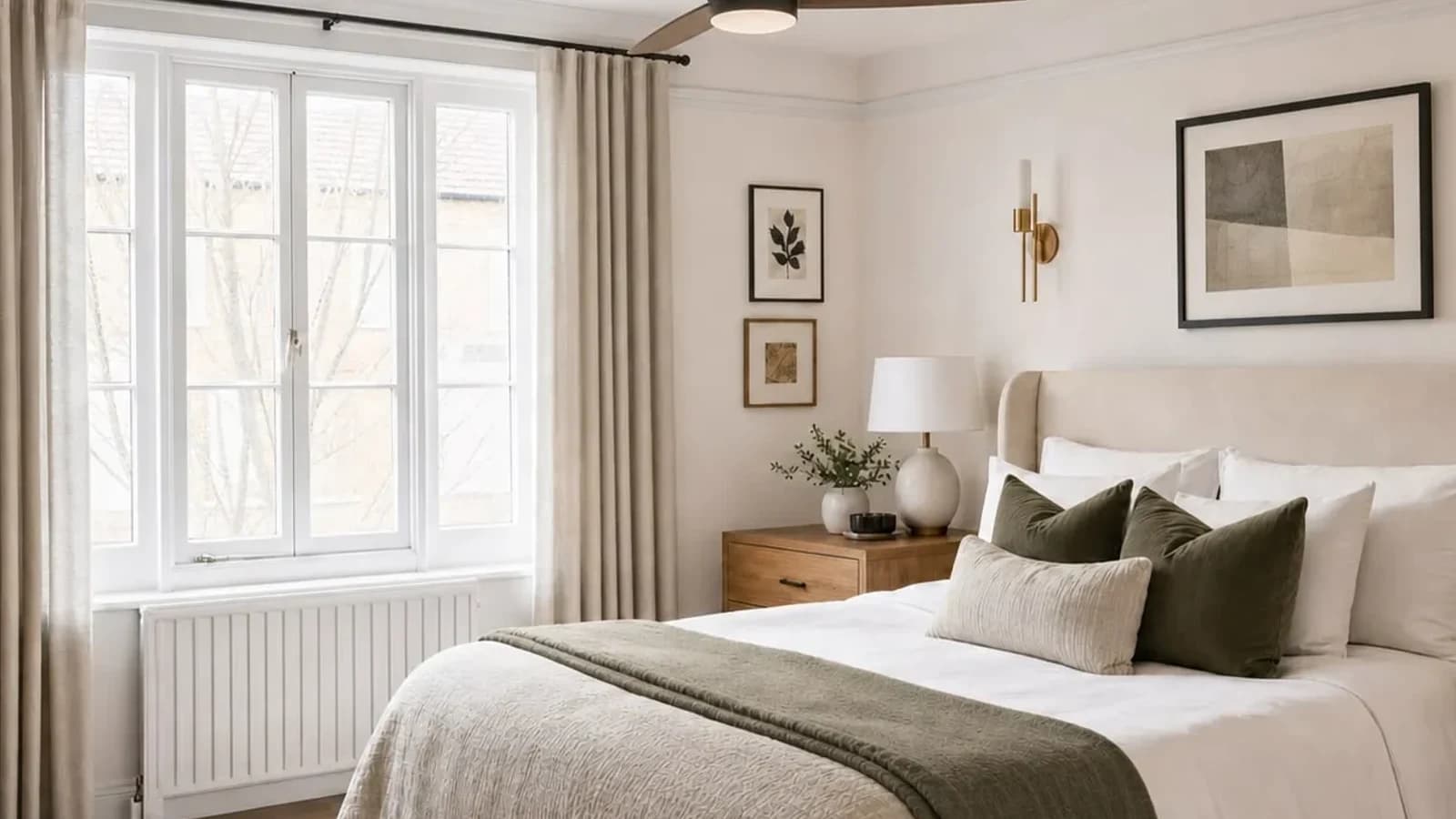
AI Room Design
A publication-day, scope-first comparison of two photo-based AI design tools without pretending one workflow fits every project.
Read the guide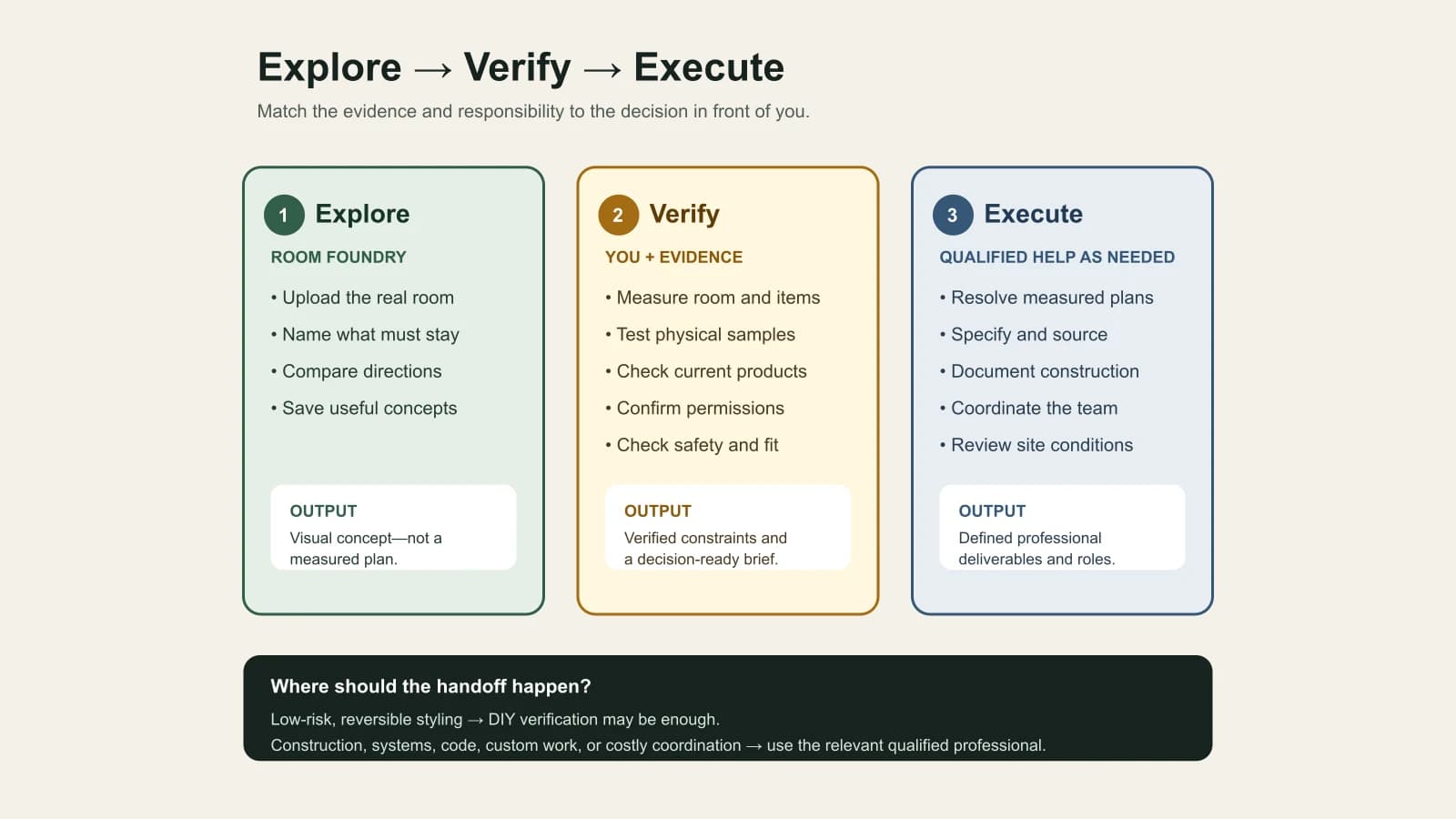
AI Room Design
A scope-first decision guide for choosing an AI room preview, professional interior-design services, or a practical hybrid workflow.
Read the guideUpload a clear photo, choose the room type and one style, then select anything you want to keep. You can add optional notes before creating your first visual direction.
You can generate one first preview at no charge. Create a free account to reveal and save it; no credit card is required. Saving an eligible preview gives you one credit to refine it. New rooms and further generations use credits.
Room Foundry uses your photo and keep-item choices as constraints. AI can still alter details, so compare the windows, room shape, and selected furniture with your original photo. Revise any change that conflicts with your plan.
Yes. After choosing the room and style, select the room-specific items under Anything you want to keep. Use optional notes to name the piece and details that matter, then check that the preview preserves them.
Yes. Choose a clear photo that shows the room, furniture, and visible floor. Include the features you want to preserve in the frame.
No. Use Room Foundry as a visual planning tool. Measure the real room and check product dimensions, paint samples, materials, safety, and installation requirements before buying or making changes.
Start free
Upload a photo and preview a realistic direction for the same space.